

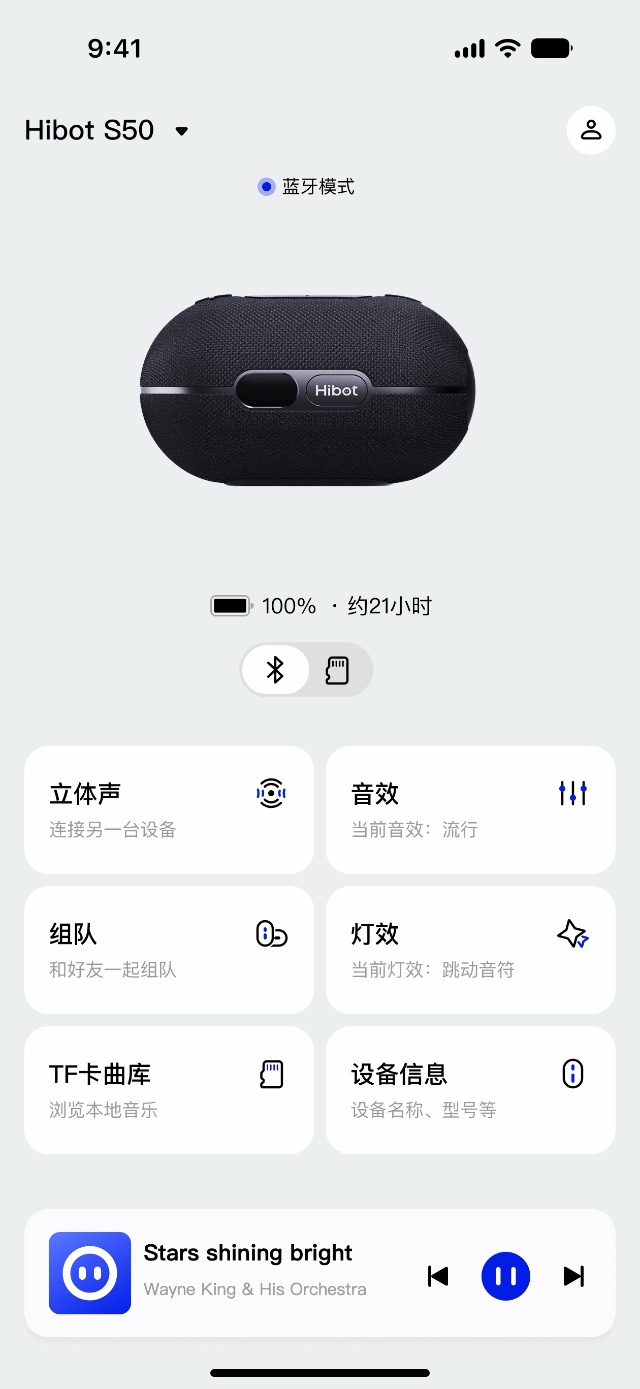
Device home
Everything about your speaker
on one screen
See the connection, battery level and time remaining at a glance. Jump straight to stereo, sound, Party mode, lights, your microSD library and device info.
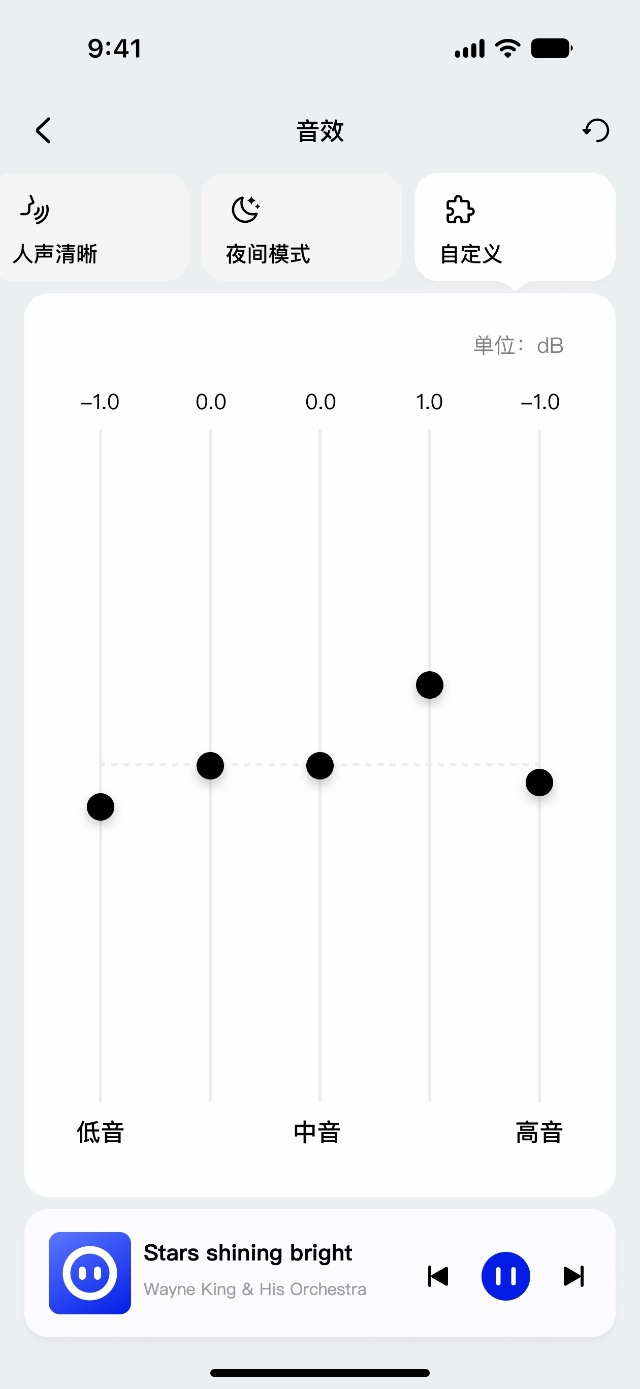
Sound
One speaker
tuned for every scene
Choose from four presets — Balanced, Outdoor, Clear Voice and Night — or fine-tune each band by ear.
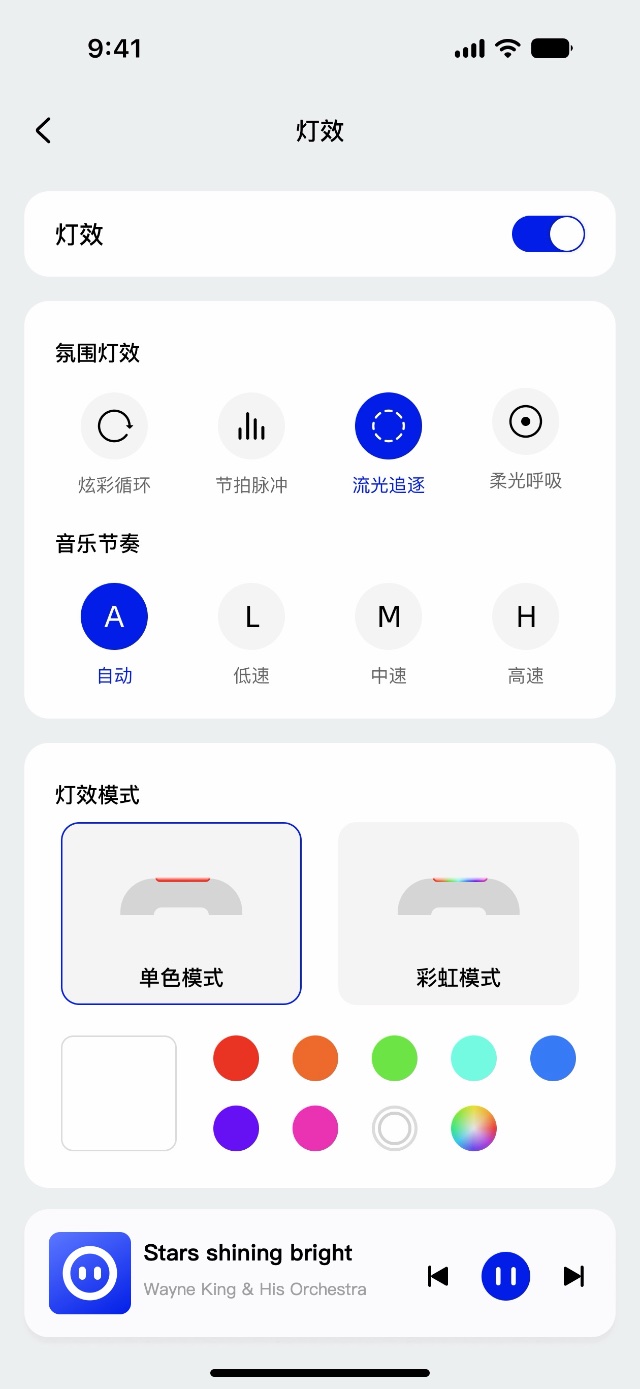
Lights
Paint the campsite
in your colors
Rainbow cycle, beat pulse, light chase and soft breathing can follow the rhythm of your music — or pick one color and let it glow quietly.
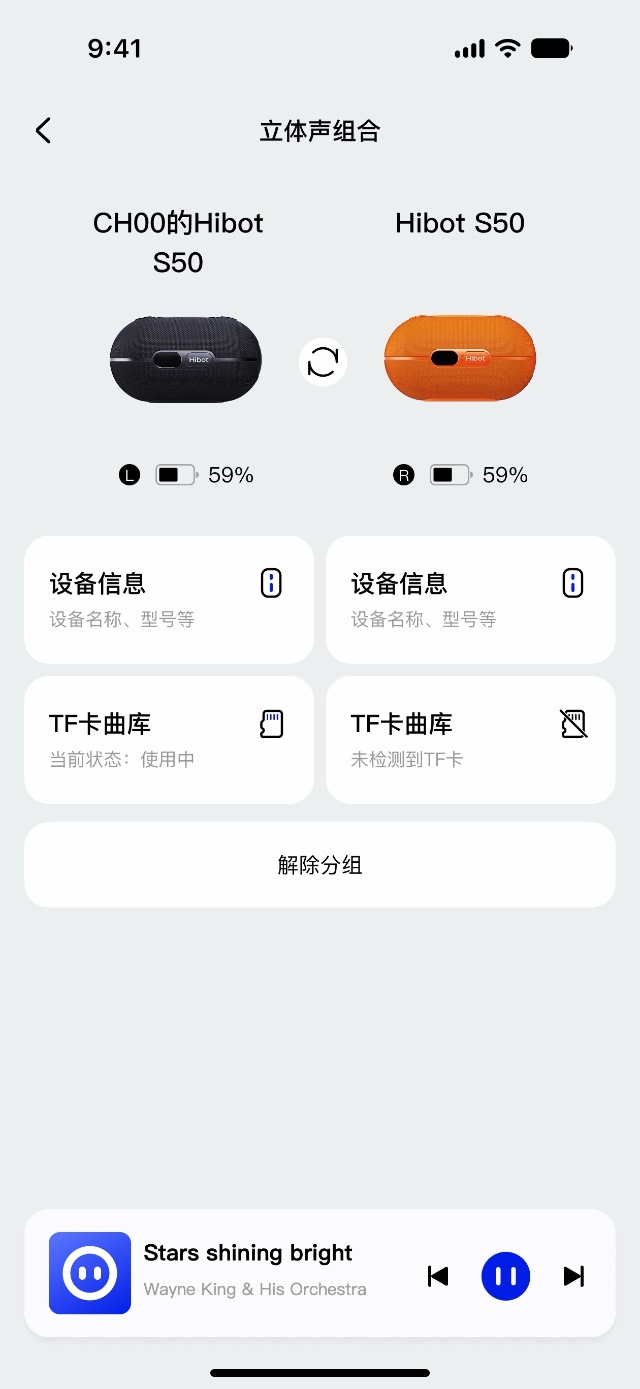
Stereo
Two S50s
left and right
Create a stereo pair in the app, swap left and right with one tap, and keep an eye on both speakers.
Party mode
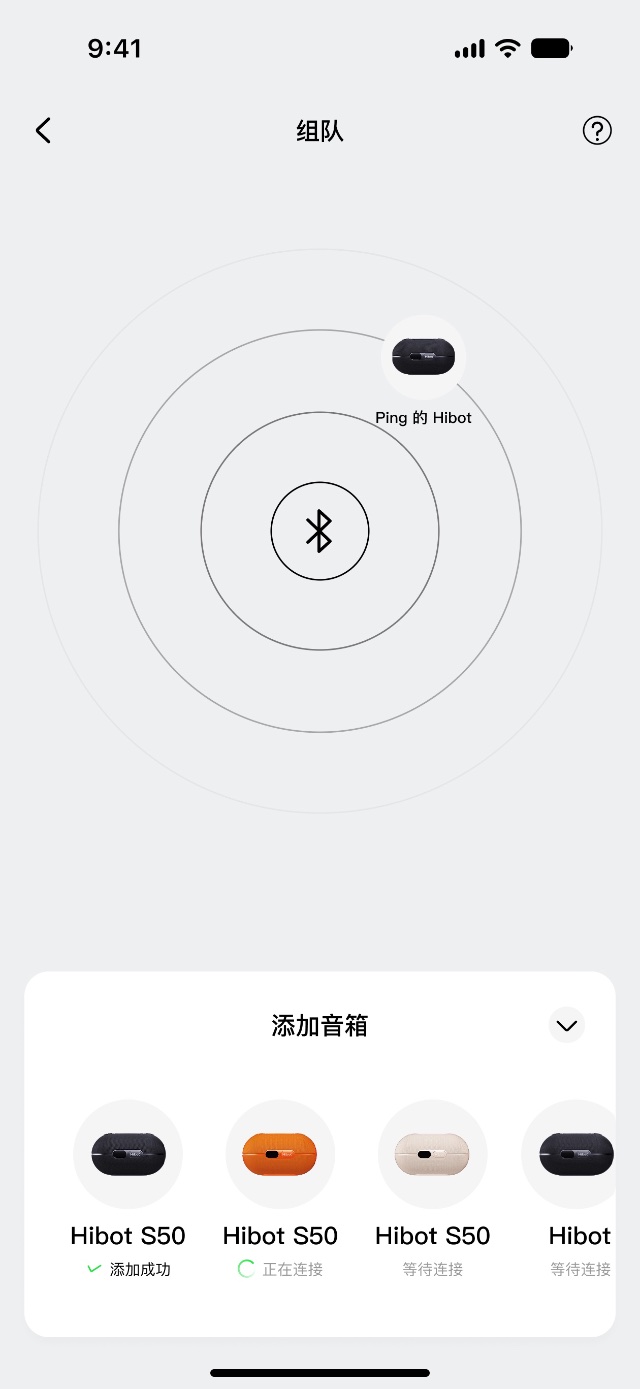
Many friends
one song
Start a party, see who’s in, and bring nearby Hibot speakers into the same song. You can also join without the app — just press the Party button on the speaker.
And there’s more
microSD library
Every song on your card
right on your phone
Sync and browse the songs on your microSD card, find one fast and tap to play.
Voice requests
Double-press the Hibot button
and say the song
Play songs from your microSD card by voice, even when your phone is offline.1
Firmware updates
New features
with every update
Get notified about new versions and update right in the app.
Display and sounds
Set it up
your way
Manage the status display and button tones.
Feedback
Got an idea
Tell us
Send feedback from the app. We read every message.
Download
Get the
Hibot app
On iPhone, search “Hibot” in the App Store. On Android, scan the QR code or tap the button to download the APK — Google Play is coming soon. You can also play music over Bluetooth without the app.
iOS 15.0 or later · Android | Privacy Policy

- 1. Offline voice requests from a microSD card: save songs to the card, connect your phone to the speaker via Bluetooth, keep the Hibot app running in the background and scan your library in the app. Works even when your phone has no internet connection. Currently recognizes Chinese song titles spoken in Mandarin; more languages are planned. Features depend on the app and firmware version.